
Gaston County Court Dockets Defined
A docket is the court's running list of case activity. In Gaston County, docket information can include the case number, parties, case type, status, filed date, hearings, courtroom, judicial officer, motions, continuances, judgments, dismissals, payment eligibility, and other events. It is a tracking tool. It tells a user what happened, what is scheduled, and where the case stands. It does not always include the underlying document image, exhibit, transcript, or certified judgment.
North Carolina does not have separate municipal court systems for Gaston County cities. Cases filed from local agencies flow into the statewide General Court of Justice. Superior Court handles felony criminal cases, larger civil cases, and appeals from District Court matters. District Court handles misdemeanors, infractions, traffic, domestic cases, juvenile matters, lower-value civil cases, and small claims before magistrates. Because those divisions share statewide eCourts access channels, a Gaston County docket search often starts with the same portal used for court records, then switches to the hearing-search tool when the question is about a court date.
The NC Judicial Branch court structure overview explains that North Carolina has one statewide court system, with counties serving as local locations for that system.
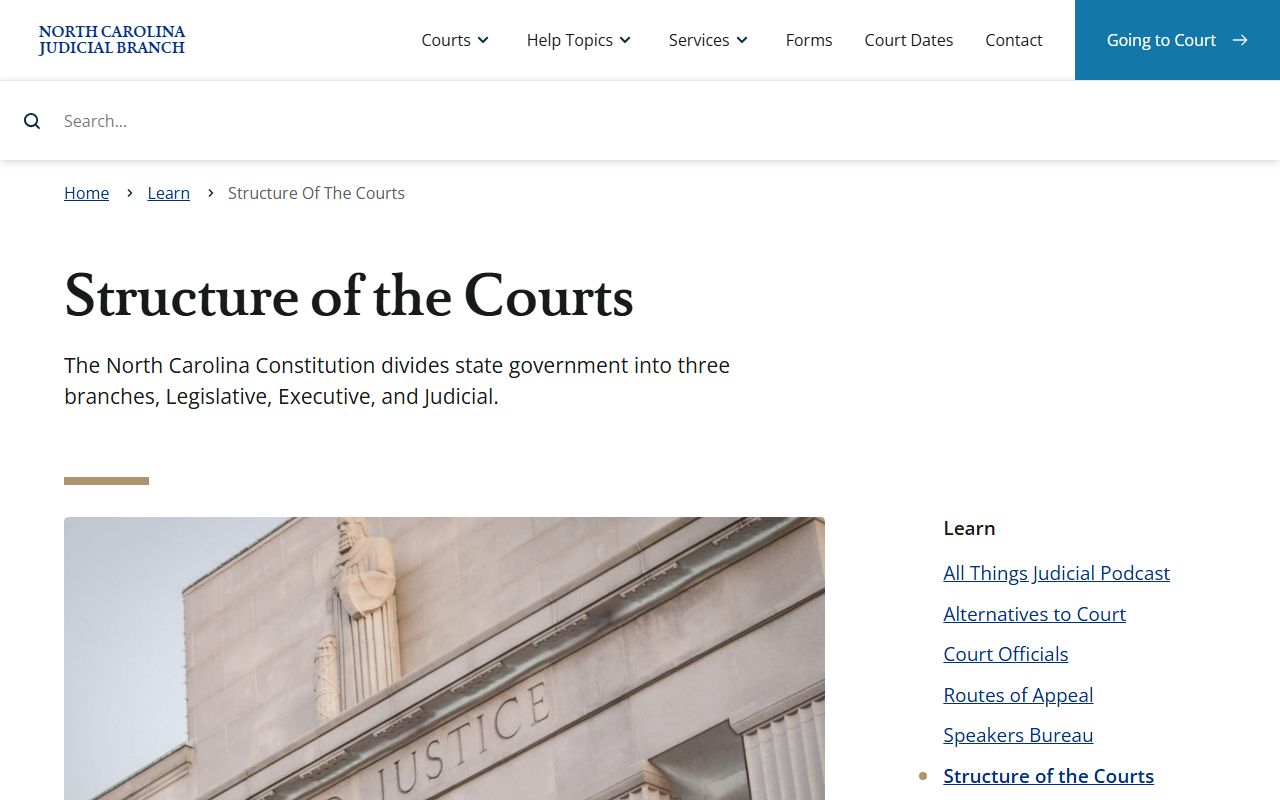
That court-structure source is important for Gaston County court dockets because it explains why local cases are found through statewide court tools rather than a city court docket site.
Search Gaston County Court Dockets
Gaston County court docket information is split by use. NC eCourts Portal Smart Search is used for case summaries and docket events. Search Hearings is used for scheduled court dates and hearing details. The Gaston County court landing page also links users toward civil and criminal calendars, payments, jury information, local rules, and courthouse resources. If a hearing cannot be confirmed online, the Gaston County Clerk of Superior Court can confirm public court-date information by phone or in person.
- Open NC eCourts Portal and choose the hearing-search option when the goal is a court date.
- Select Gaston County as the location when the statewide tool offers location filtering.
- Choose a search type, such as case number, party name, business name, attorney name, attorney bar number, judicial officer, or courtroom.
- Review the date, time, hearing type, courtroom, and judicial officer fields when they are displayed.
- Use Smart Search for the larger case docket if the hearing result does not show enough case history.
Hearing Search and Smart Search answer different questions. A party trying to avoid missing court should check Search Hearings and then confirm uncertain results with the clerk. A user trying to understand case history should open the case record and read the docket entries. A user who needs a filing or order should request the document from the clerk rather than relying on the docket entry alone.
Gaston County Docket Entry Fields
The research did not capture a named sample case because the public portal uses interactive search controls and CAPTCHA. The public interfaces still document the main fields a Gaston County docket user should expect. Search Hearings displays location, hearing type, search type, name criteria, sounds-like options, attorney fields, judicial officer, and courtroom. Smart Search adds party, case, status, and date filters that help tie hearing entries to a full case record.
| Field | What It Shows |
|---|---|
| Case Number | The court's case identifier, used to connect a hearing result to the broader docket. |
| Party or Business Name | The person, entity, State, plaintiff, defendant, petitioner, or respondent tied to the case. |
| Hearing Type | The kind of event, such as civil, criminal, family, probate, or mental health where shown. |
| Date, Time, and Courtroom | The schedule details needed to appear or track the next case event. |
| Judicial Officer | The judge, magistrate, or clerk official assigned to the event when shown. |
| Docket Event | A case-history line such as filing, motion, continuance, hearing, trial, judgment, dismissal, appeal, or review. |
Payment and citation searches are a third branch of the same statewide access system. The eCourts Make Payments interface allows searches by citation number, case number, party name, business name, and driver's license, which matters for Gaston County traffic and infraction dockets.
Gaston County Courts With Dockets
The Gaston County court contact directory lists the main local court functions tied to docket access: Clerk of Superior Court, Superior Court judges, District Court judges, District Attorney, magistrates, arbitration, custody mediation, and Guardian ad Litem. The District Attorney's Office is also relevant because it prepares the criminal trial docket for Prosecutorial District 38.
- Superior Court dockets cover felony criminal cases, larger civil matters, certain special proceedings, and appeals from District Court.
- District Court dockets cover misdemeanors, infractions, traffic, domestic matters, juvenile matters, and many lower-value civil cases.
- Small claims matters are District Court cases heard by magistrates and can move into District Court or Superior Court through appeal paths.
- Clerk proceedings include estate, special proceeding, and probate-related events handled by the Clerk of Superior Court.
The Prosecutorial District 38 District Attorney page identifies Travis Page as District Attorney and states that the office prosecutes criminal cases, represents the State, prepares the criminal trial docket, and advises law enforcement.
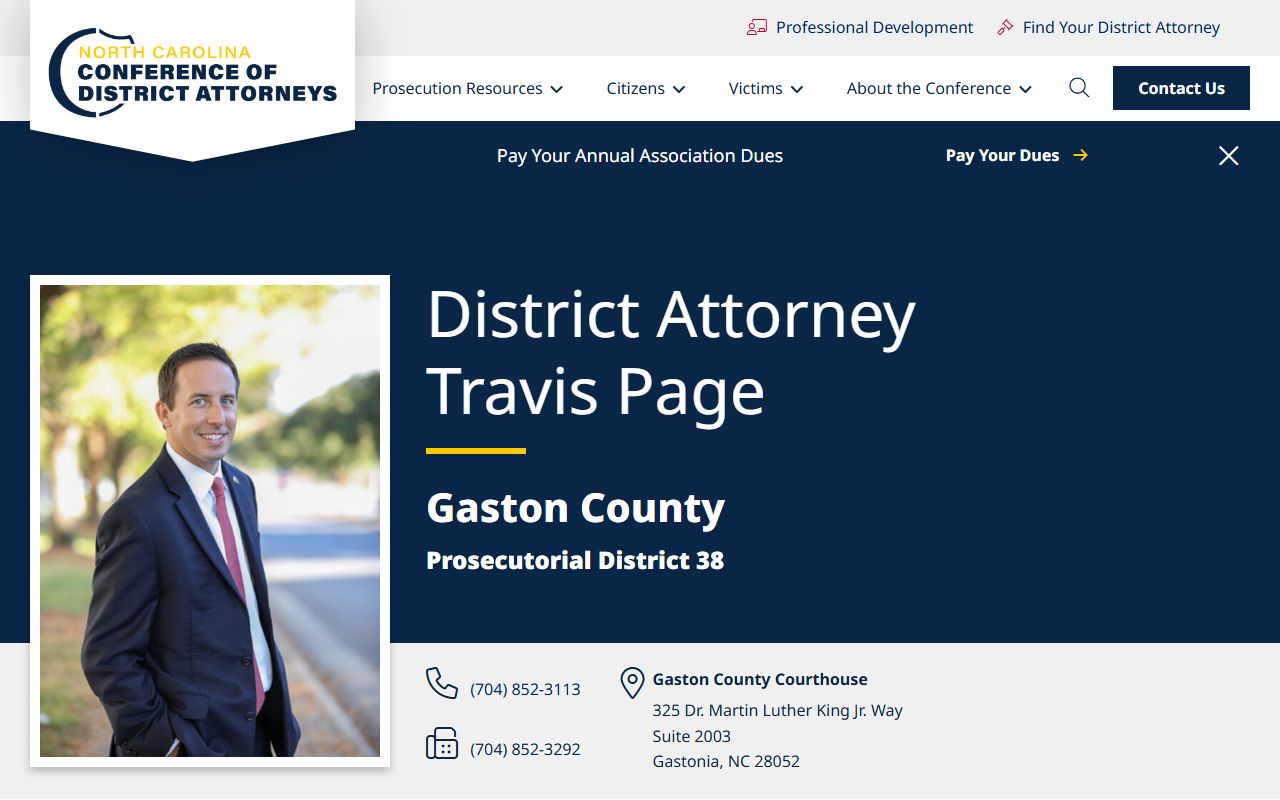
The District Attorney source helps explain why criminal docket scheduling in Gaston County is not only a clerk issue; prosecution calendars also shape Superior Court and District Court criminal settings.
Docket vs Full Case Record
A docket is a map of the case. A full case record is the file itself. In Gaston County, the docket may show that a complaint was filed, a summons issued, a motion heard, a continuance granted, a plea entered, or a judgment signed. The full file may contain the complaint, answer, motion, order, judgment, notice, inventory, or other document. A docket entry can be enough to track case progress, but it is not a certified copy and may not be enough for court, employment, licensing, title, custody, or appeal needs.
| Point | Docket | Full Case Record |
|---|---|---|
| Format | Chronological list of events and settings. | Case file with pleadings, orders, judgments, notices, and other documents. |
| Main Use | Track dates, status, and case movement. | Review legal filings, prove outcome, or obtain a certified document. |
| Access | Often visible through Smart Search or hearing search. | Obtained through the Clerk of Superior Court when not fully visible online. |
| Limits | May omit documents, sealed details, or restricted fields. | May require fees, redaction, clerk review, or court order for restricted records. |
A user who only needs to know the next court date should use the docket and hearing tools. A user who needs the full court file should start with Gaston County court records access and then contact the clerk for documents.
Gaston County Dockets and Court Costs
Dockets can show court costs, fines, restitution, balances, or payment eligibility in some criminal, traffic, and infraction cases. The cost itself is not set by the docket entry. North Carolina publishes current cost schedules by case type, and the eCourts payment tool determines whether a citation or case can be paid online. Users should not assume that every docketed case is payable online. Some criminal, impaired-driving, or mandatory-appearance matters require court action instead of waiver or online payment.
| Access Need | Best Source |
|---|---|
| Next hearing date | NC eCourts Search Hearings, then the clerk if the result is unclear. |
| Case event history | NC eCourts Smart Search docket entries. |
| Payment eligibility | NC eCourts Make Payments or the clerk. |
| Current cost schedules | NC Judicial Branch court costs publications. |
The current NC court costs publications provide statewide cost schedules for civil, criminal, estate, and special proceeding matters.
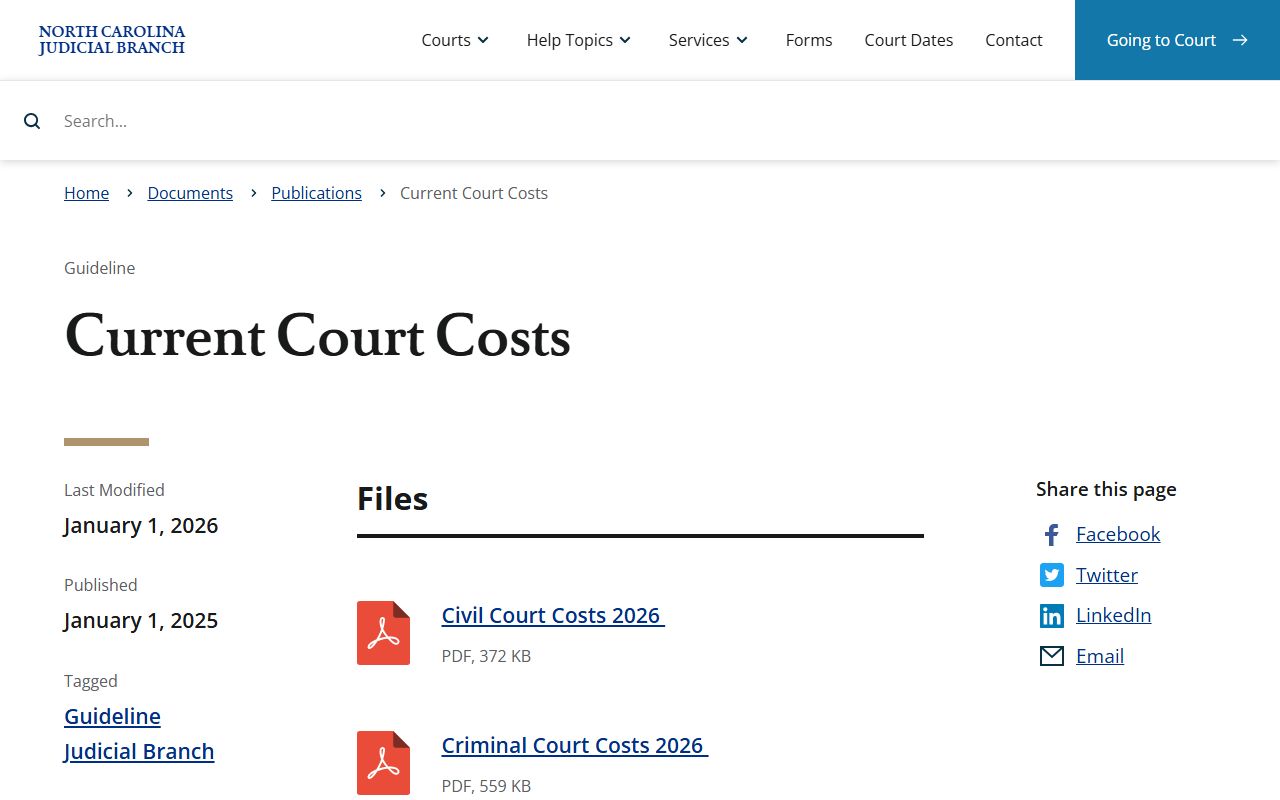
Those publications are relevant to Gaston County court dockets because docket financial fields often point to costs or balances that come from statewide schedules.
The NC court costs help topic gives the broader access point for payment and cost questions.
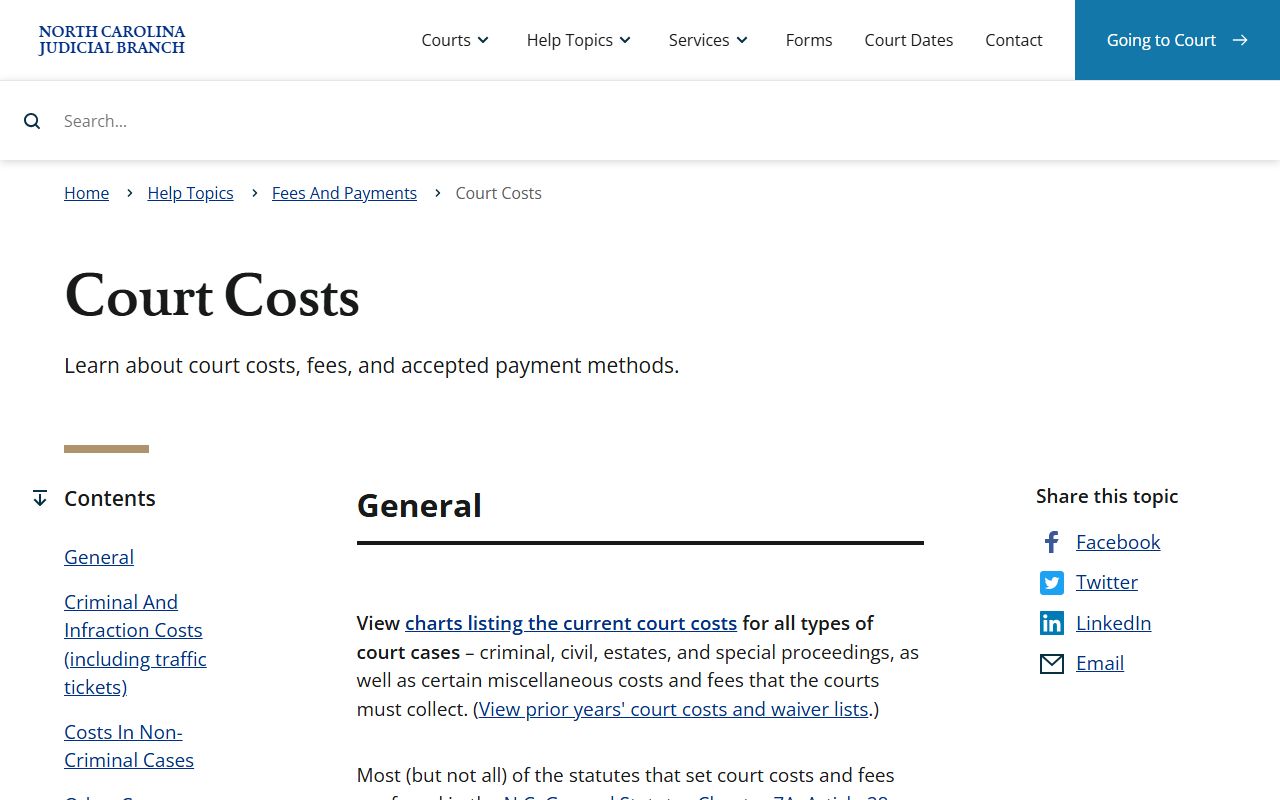
The help topic reinforces that docket balances and payment status should be checked against official court payment channels before money is sent.
Read Gaston County Court Dockets
Reading a Gaston County docket starts with the case type. Civil dockets use plaintiff and defendant terms. Criminal dockets list the State and defendant, then may show charges, court dates, pleas, dismissal entries, judgments, fines, restitution, probation, and sentencing. Family dockets may show petitioner and respondent terms. Estate or special proceeding dockets may use decedent, petitioner, respondent, inventory, accounting, letters, or guardianship terms.
A docket should also be checked against the court division. A felony setting in Superior Court, a misdemeanor setting in District Court, and a clerk estate hearing can all appear as court events, but they have different offices, hearing rooms, and consequences. Gaston County court users should read the location, hearing type, and case status together before assuming which official will hear the matter.
Docket words have plain meanings. A disposition is the result of a charge or case. A continuance means a hearing was postponed. A judgment is the court's final decision or sentence. An order is a written court direction. An appeal means the matter moved to another court level. If a docket line is unclear, the safest official route is the Gaston County Clerk of Superior Court, especially when a party must appear in court, satisfy costs, or prove the outcome with a certified copy.
Note: A docket date should be confirmed with the clerk when missing court could create a warrant or penalty.